Docalto
TordroidFreewith Premium
40+tools
15languages
Android 8+requires
0files uploaded
Coming soon to Google Play.
About this app
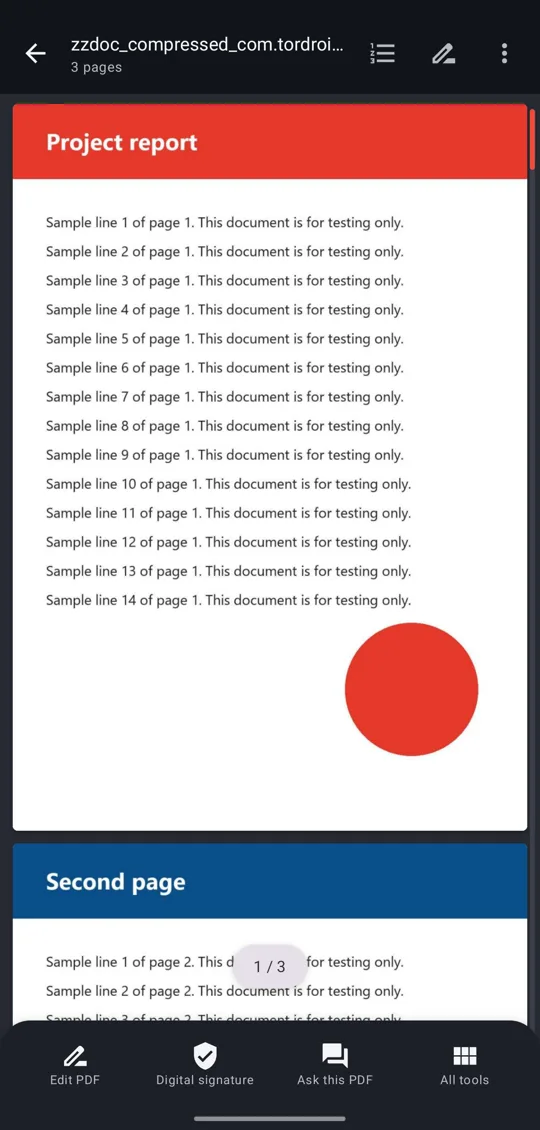
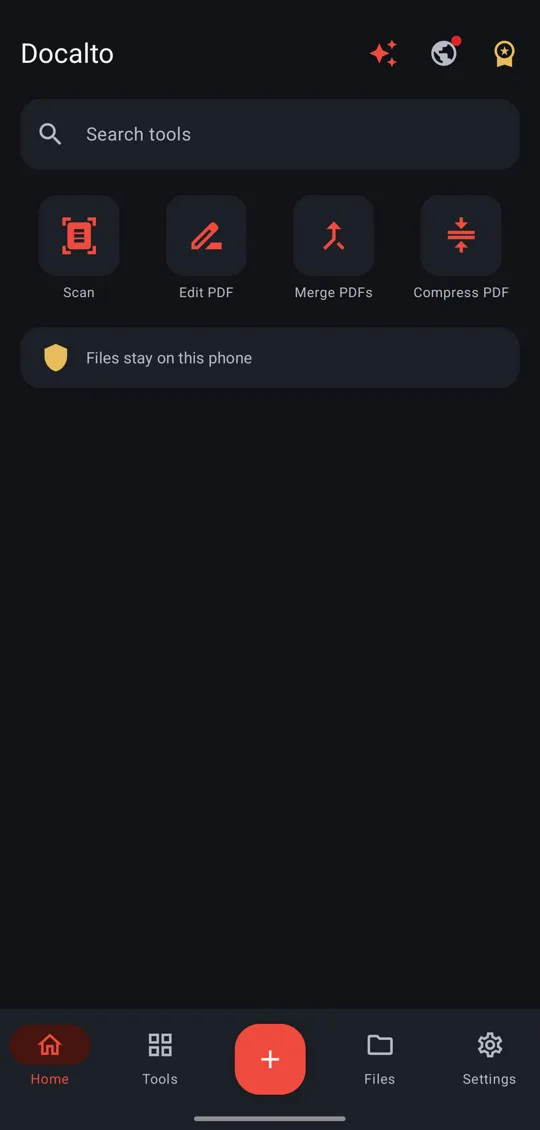
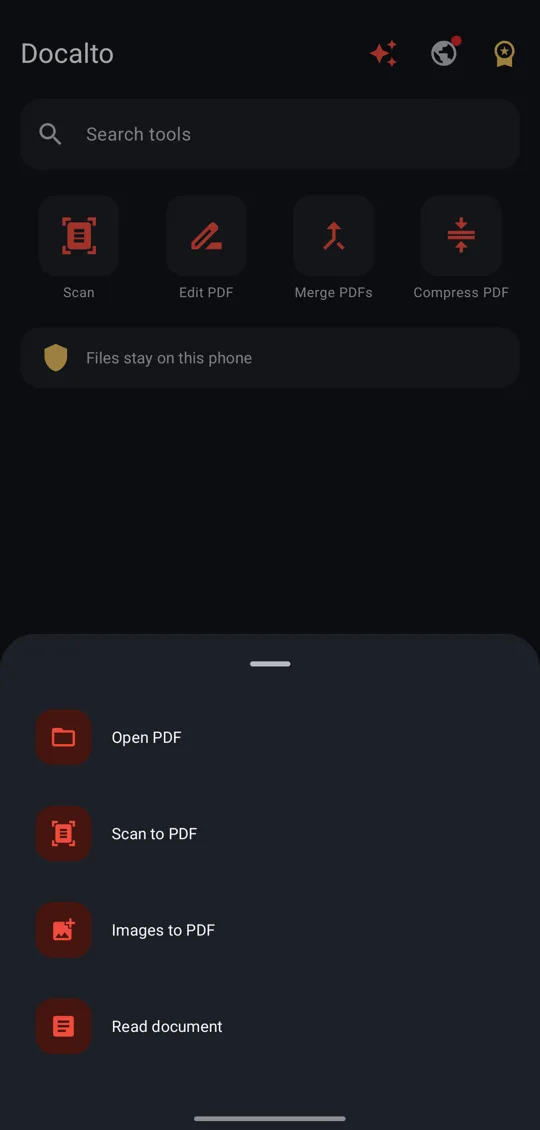
Docalto puts your everyday document jobs in one fast app: read, edit, sign, scan, compress, merge, split and convert PDFs, and open Word, Excel and PowerPoint files too.
Your documents are handled on your phone, not uploaded. Most tools are free. A few use one short ad, and Premium removes the ads and the daily limit.
PDF readerPDF editorScannerOffice filesOCRDigital signatures
What's new
- New name, new look: PDF Tools is now Docalto
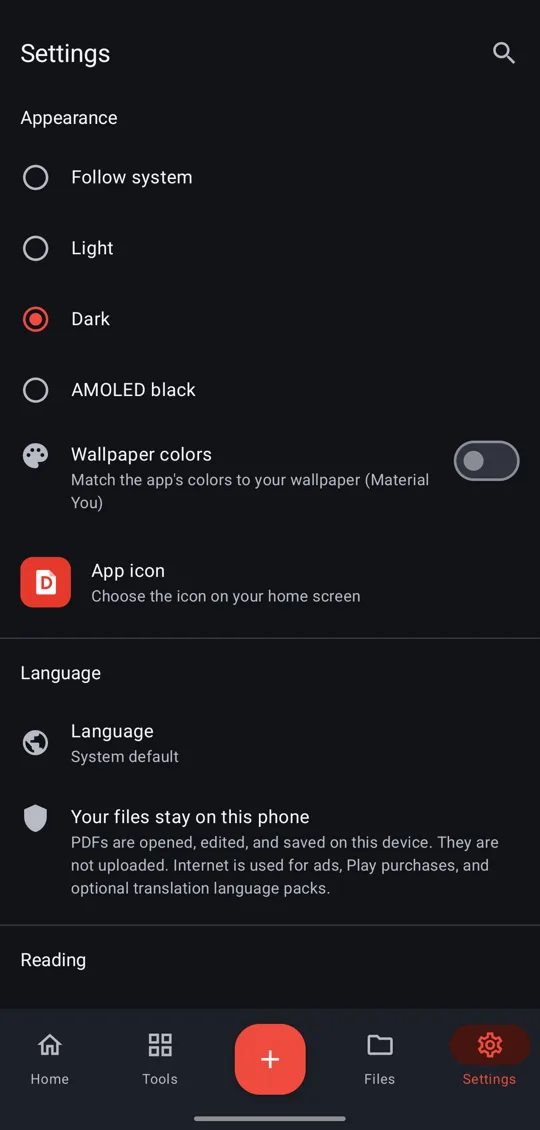
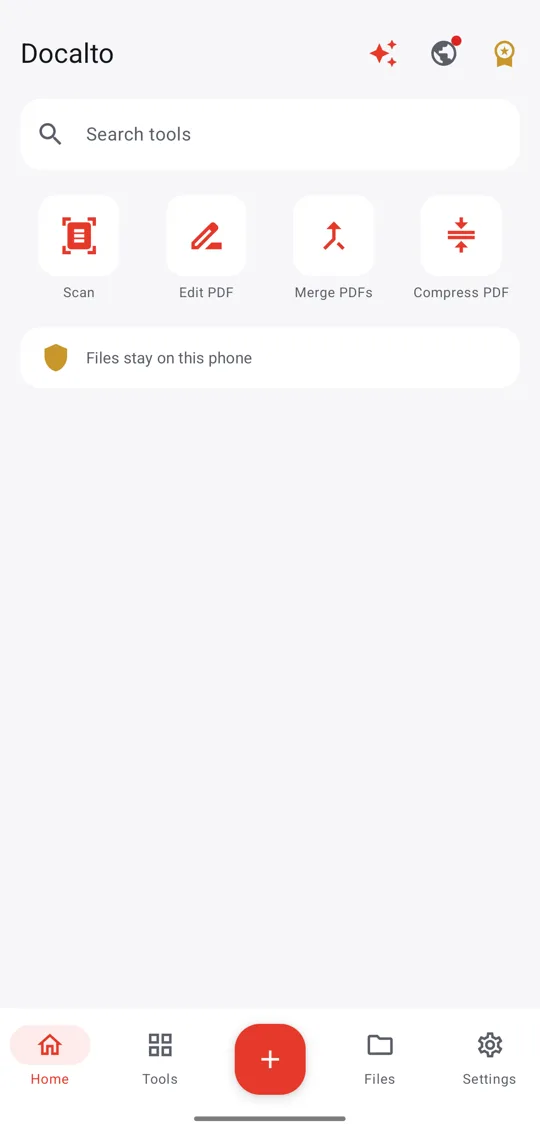
- Light, dark and AMOLED black themes
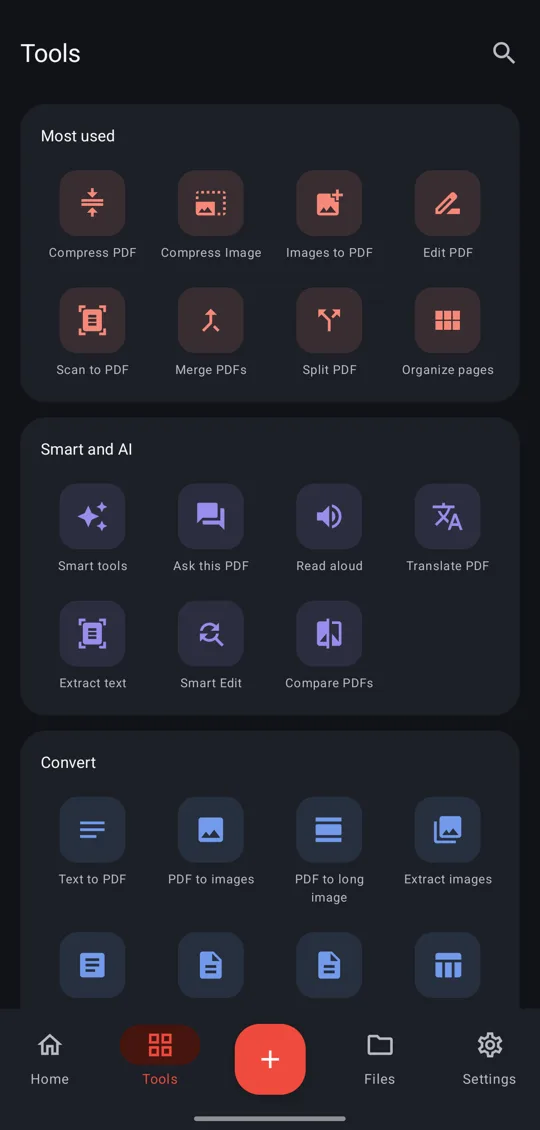
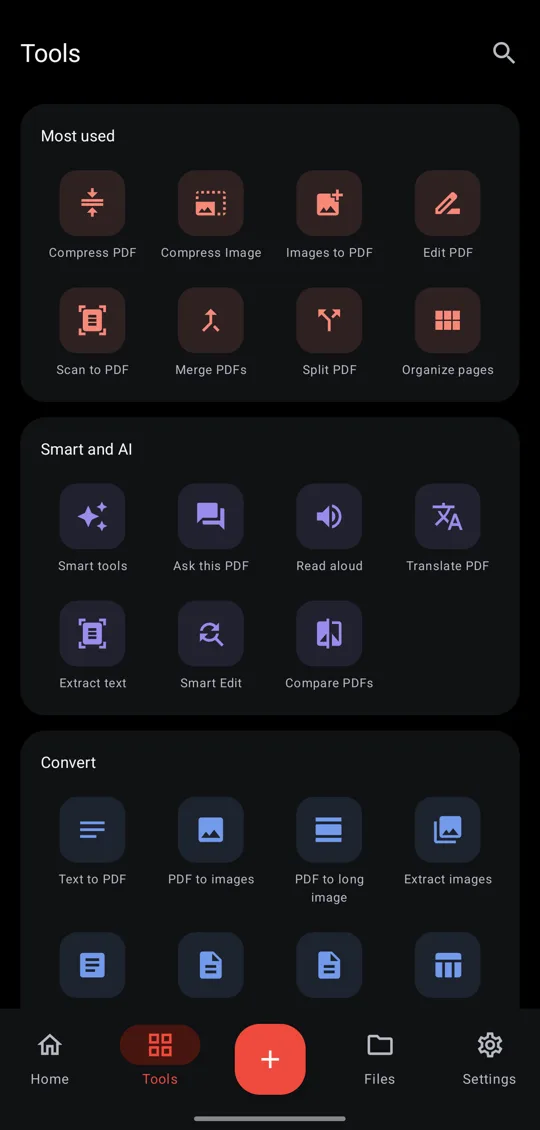
- Tools screen with clear groups, and a quick add button
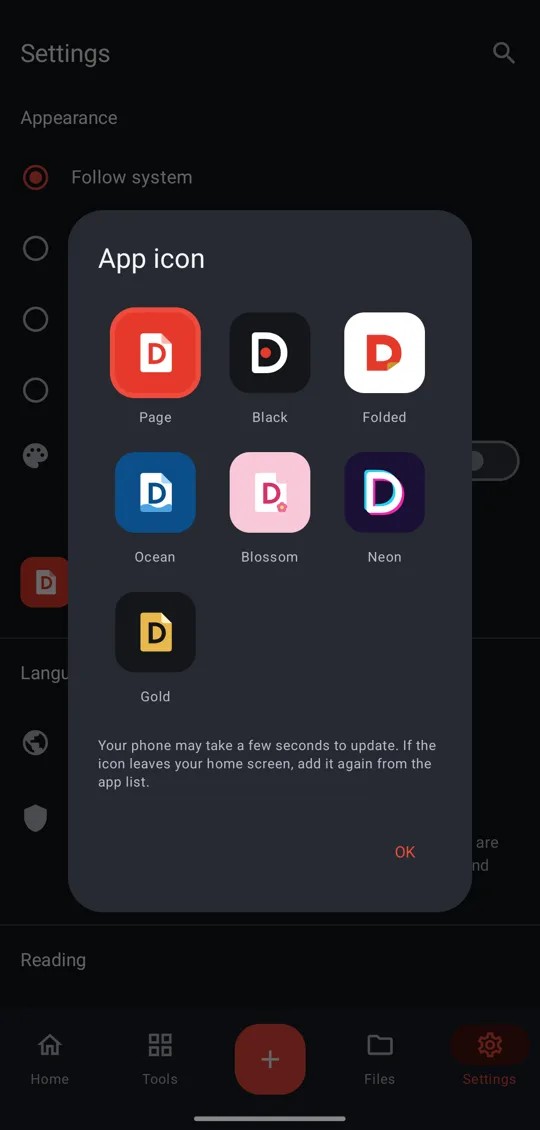
- Seven home screen icons with Premium
- Read DOC, XLS, PPT and OFD files, and edit words in DOCX, PPTX and XLSX
- Verify signatures and save PDF/A archive copies
Features
Your look
- Light, dark, AMOLED black or follow your phone
- Colours from your wallpaper on Android 12 and later
- Seven home screen icons: Page, Black, Folded, Ocean, Blossom, Neon, Gold PRO
Smart tools (offline AI)
- Summary: Gemini Nano on supported phones, quick summary on all others
- Ask this PDF: find answers inside a document, with a Gemini Nano answer on supported phones
- Key info: dates, amounts, invoice numbers, emails, phones, addresses
- Auto-redact personal details, really removed PRO
- Read handwriting from a photo (experimental) PRO
- Smart file names, e.g. Invoice_INV-2041
QR & barcodes
- Scan with the camera, from a gallery photo or inside PDFs
- Open links, email, phone, UPI and maps in one tap
- Copy any code's contents
Almost any picture
- JPG, PNG, WebP, GIF, HEIC, AVIF, JPEG 2000, JPEG XL
- Every TIFF page, Photoshop, SVG, EMF and WMF
- Camera RAW previews: CR2, CR3, NEF, ARW and more
- Old and professional formats: TGA, PCX, IFF, EXR, DDS and more
- Optional fill for the blank part of a cut picture, always marked "Filled in, not recovered"
- File Rescue: Rescue damaged files and open rare formats. PRO
Read
- Pinch and double-tap zoom, sharp up to 10×
- Go to page, thumbnails, contents, bookmarks
- Search inside the PDF
- Night and sepia reading modes
- Read aloud with an offline voice, the spoken word marked; plain-text view
- Hold and drag to select text on the page, then copy or translate it
- Open from any app, print, share
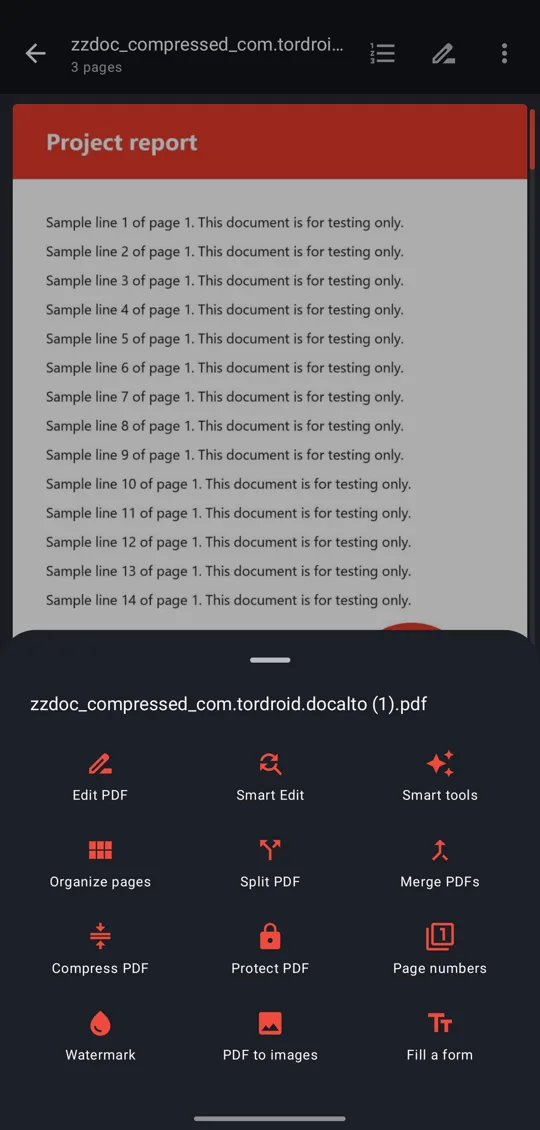
- All tools for the open file in one tap
- Search tools, files and settings
Edit & sign
- Edit existing text in its original font
- AI scan: edit text in scanned pages PRO
- Find & replace across pages PRO
- Pen, highlight, underline, strikethrough
- Text, shapes, arrows, notes, whiteout
- Your signature, remembered for next time
Organize & convert
- Merge PDFs, no quality loss
- Split by pages or into single pages
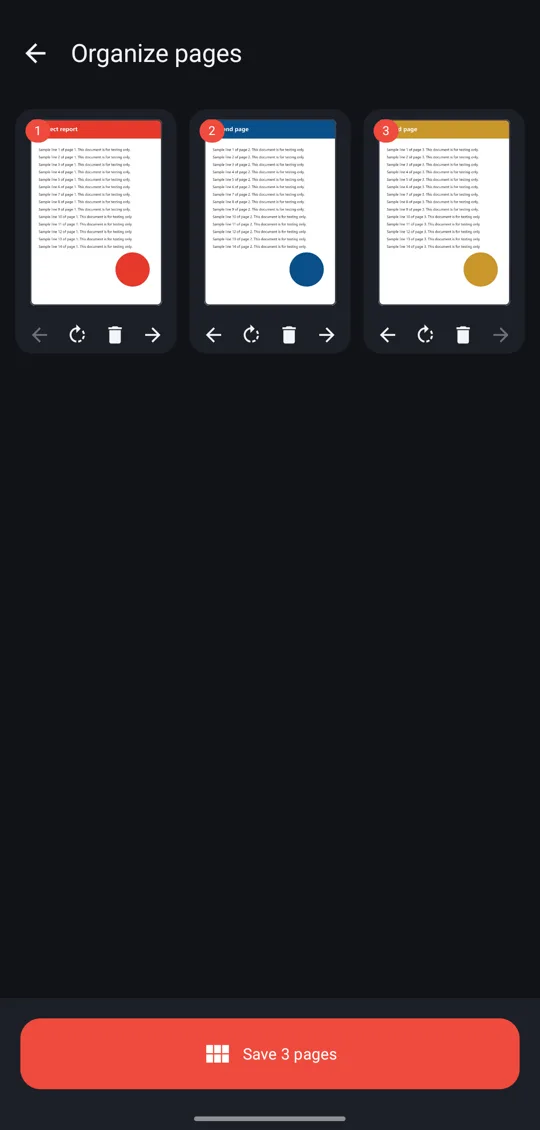
- Reorder, rotate, delete pages
- Images to PDF, PDF to JPG, PDF to one long image
- Extract images, crop margins, compare two PDFs
- Page numbers, fill forms, flatten forms, PDF properties
- Watermark Studio: text or your logo on a live preview
- Resize pages, text to PDF, split by tapping thumbnails
- Archive copy in PDF/A-2b for long-term keeping (pages are saved as pictures)
- Read DOC, DOCX, XLS, XLSX, PPT, PPTX, OFD, TXT and CSV, then save as PDF
- Edit words in TXT, CSV, DOCX and PPTX, and cell values in XLSX. Saves a copy, your original stays as it is
- Word to PDF
- PDF to Word, Excel and PowerPoint PRO
Compress
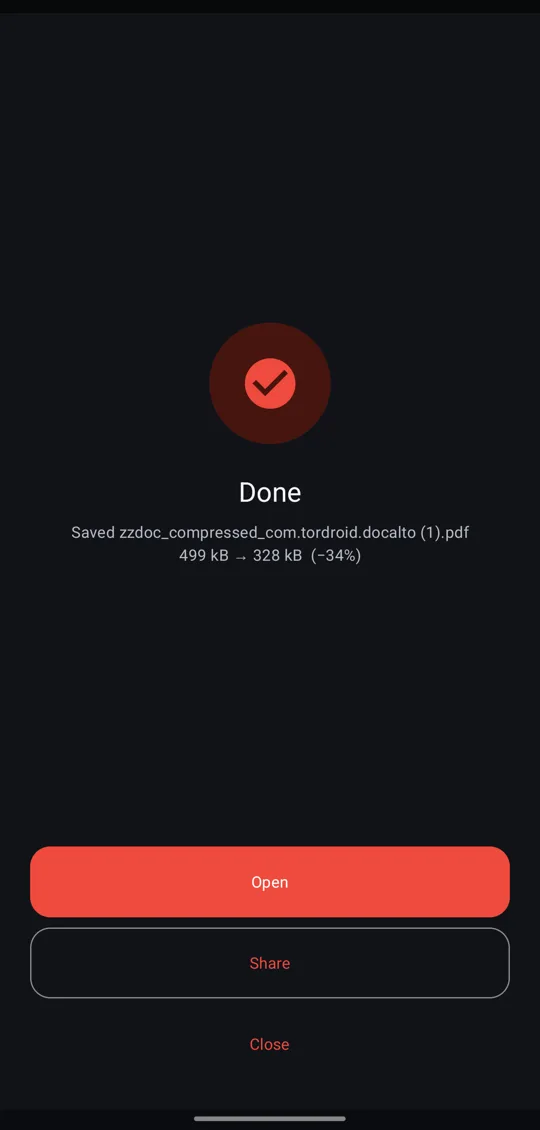
- Compress PDF: three levels
- Compress photos by quality or size
- Hit an exact size, like 200 KB for forms
Scan & AI
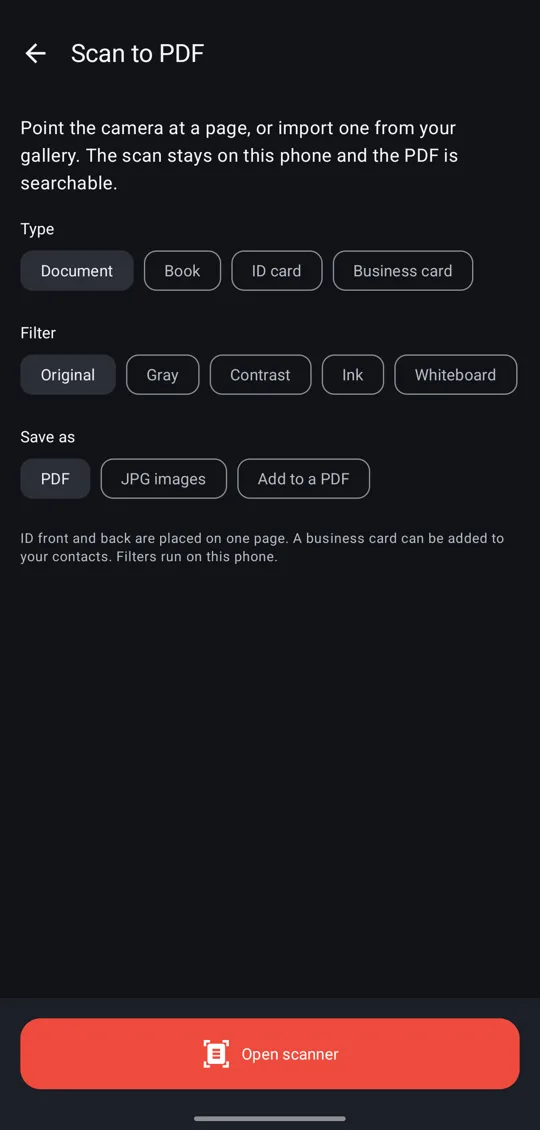
- Scan documents, books, ID and business cards
- Whiteboard filter, ID front and back on one page, business card to contact
- Save as PDF or JPG, or add to an existing PDF
- Extract text (OCR), searchable scans
- Translate PDFs on your phone
Security
- Digital ID signatures PRO
- Verify signatures on PDFs, including certificates from India's CCA roots, offline
- Rare file formats are read in a sandbox with no access to your files or the internet
- Password-protect PDFs (AES-256)
- Remove a password you know
- Repair damaged PDFs PRO
- Password screens hidden from screenshots
Free and Premium
Lifetime · best value₹799one payment
Yearly₹349per year
Monthly₹79per month
- Free, no ads: read, scan, merge, split, organise, edit and sign, images to PDF, watermark, forms, protect and unlock.
- One short ad per use: compress PDF, compress image, Word to PDF.
- PRO, one ad and 5 a day in total: OCR, translate, smart edit, PDF to Word, Excel and PowerPoint, digital signatures, repair, redact.
- Premium: everything unlimited, no ads, your choice of app icon. Linked to your Google Play account. See the terms.
Data safety
Your files stay on your phoneViewing, editing, converting, scanning, OCR and translation run on the device.
No accountNo sign-in, and the app does not collect personal data.
Ads in the free versionGoogle AdMob may collect device identifiers to show ads. Premium has no ads.
Details in the privacy policy.